> ## Documentation Index
> Fetch the complete documentation index at: https://docs.keyflow.space/llms.txt
> Use this file to discover all available pages before exploring further.

# App View

> All flows are apps.

Keyflow automatically deploys all your `flows` as an app. You can update the app by making changes to the underlying flow and saving it.
<Frame>
  <img className="block dark:hidden" src="https://mintcdn.com/keyflow-25/Potsj4uvC-5iO0mz/images/app-view-light.png?fit=max&auto=format&n=Potsj4uvC-5iO0mz&q=85&s=471604296f8e05832a94905c824ec26e" alt="App View of Youtube Article Generator" width="1917" height="999" data-path="images/app-view-light.png" />

  <img className="hidden dark:block" src="https://mintcdn.com/keyflow-25/Potsj4uvC-5iO0mz/images/app-view-dark.png?fit=max&auto=format&n=Potsj4uvC-5iO0mz&q=85&s=c64be170f0431b46f212f2dc5fcf17ae" alt="App View of Youtube Article Generator" width="1918" height="999" data-path="images/app-view-dark.png" />
</Frame>

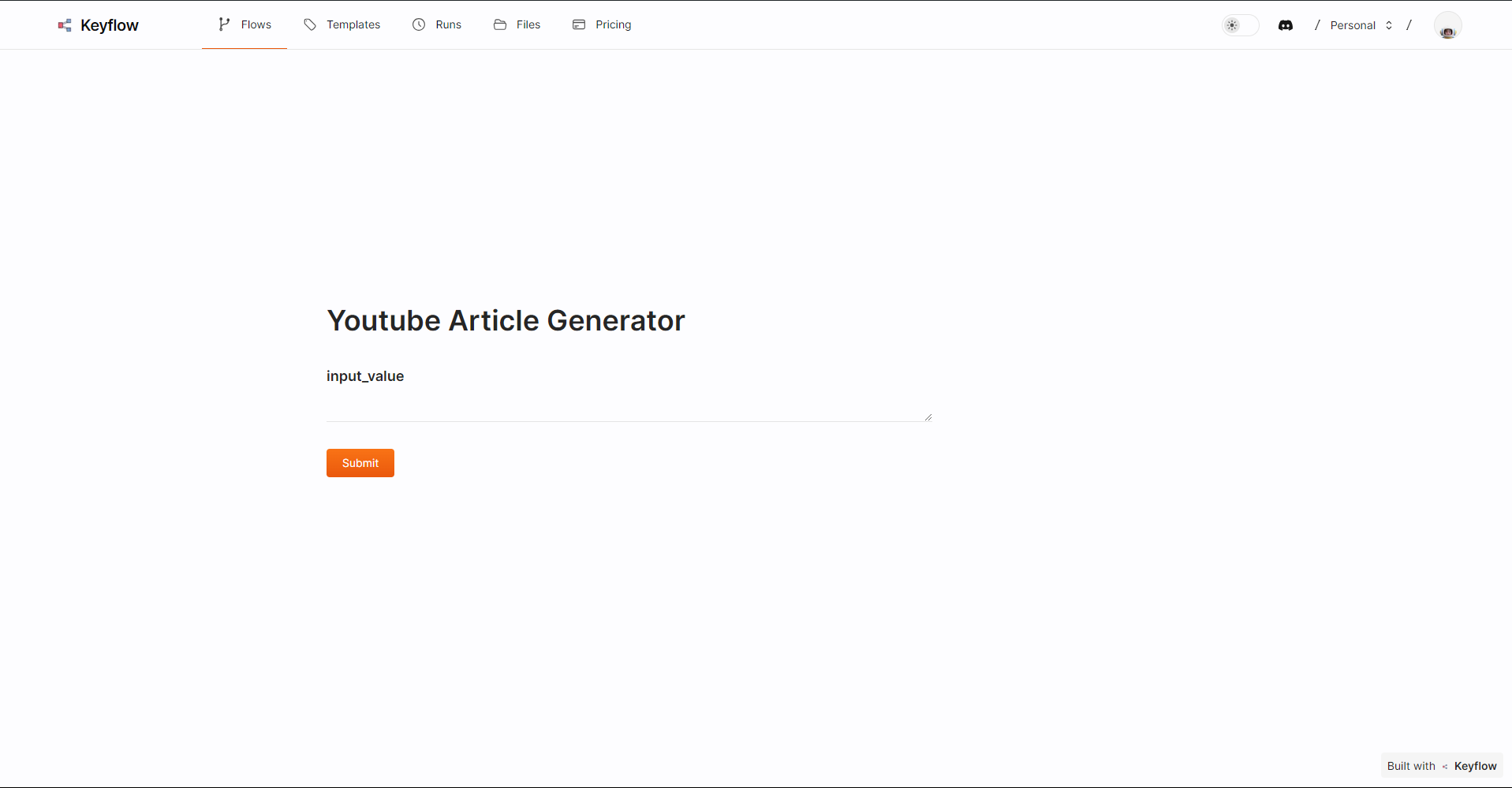
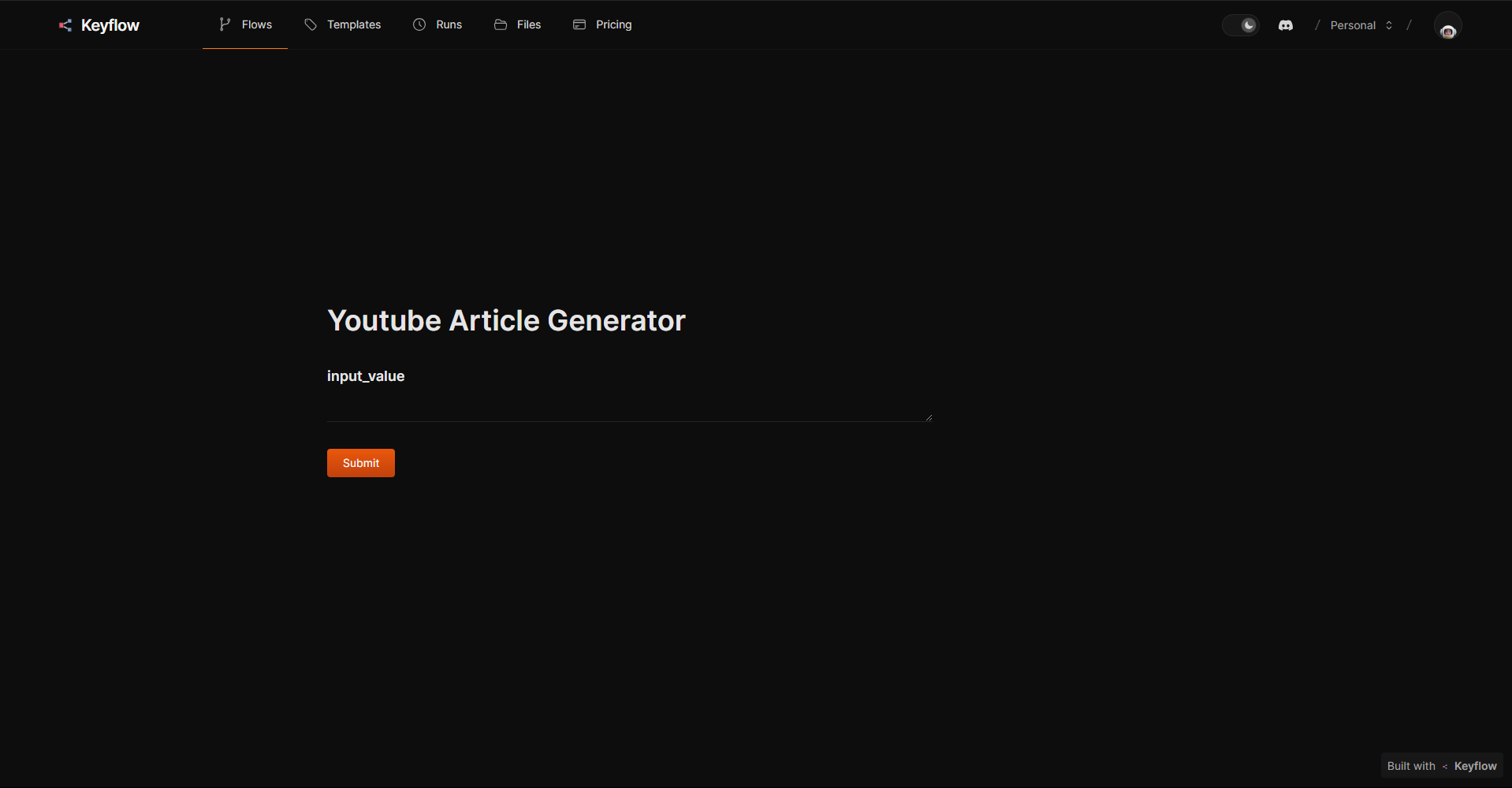
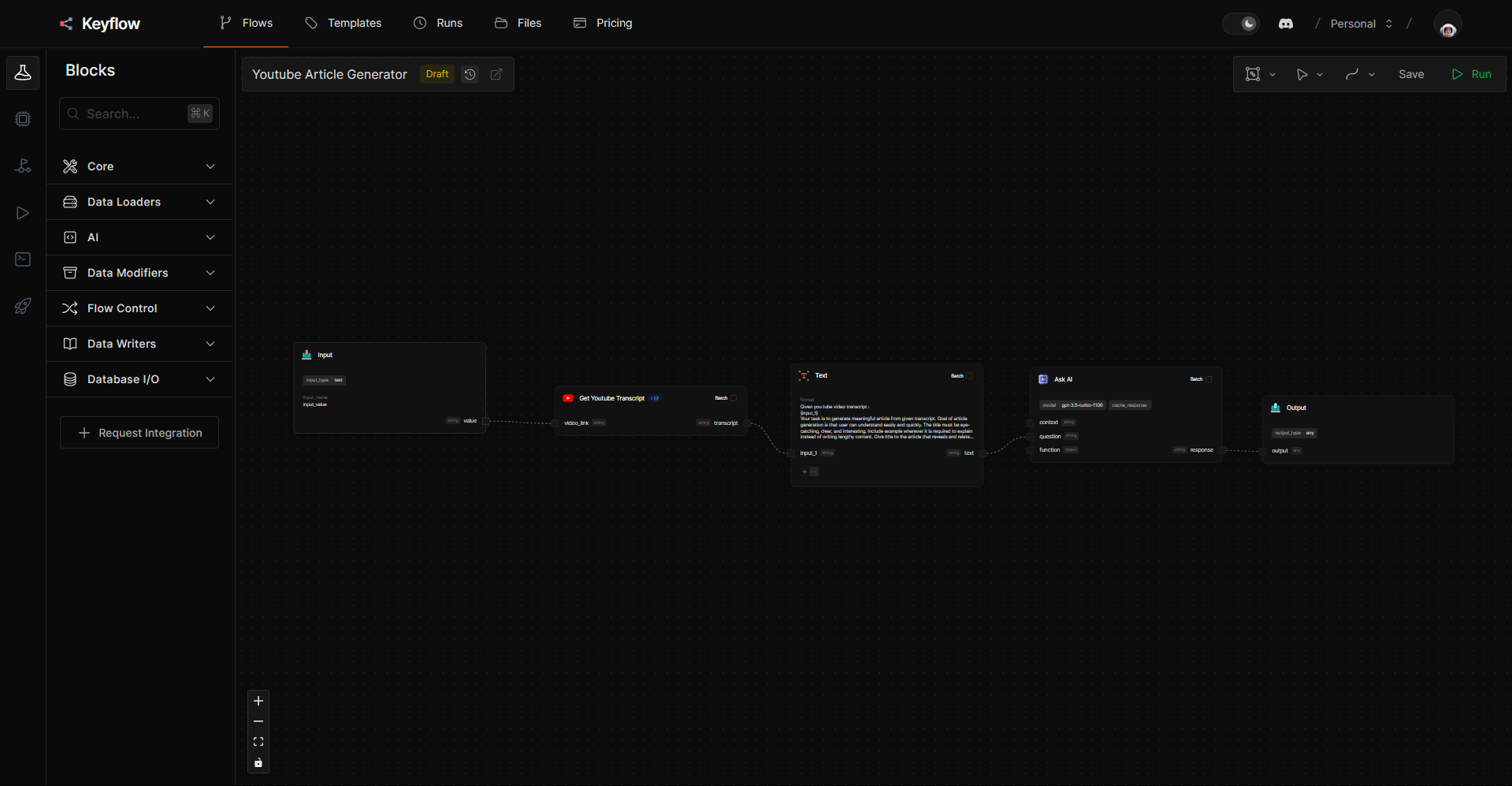
Above is the App View of the Youtube Article Generator Workflow. **App View** simplifies the interface and provides you with only the Inputs on the screen. This allows you to share your flows as apps without exposing the underlying working of the flow.

### Inputs

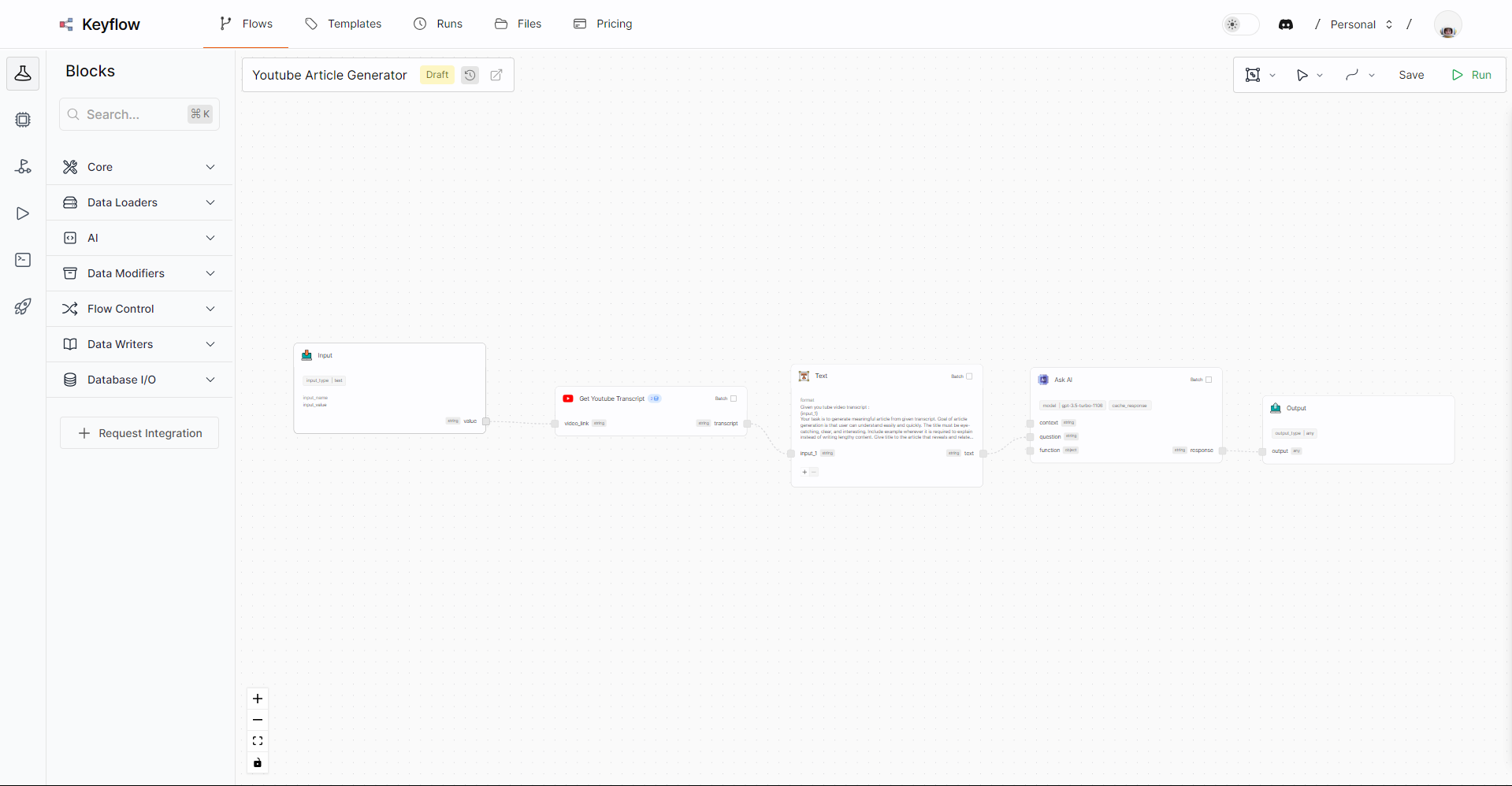
You can add inputs to your app by adding input blocks to your flow. This will create an interface for you in the app view to collect

### Outputs

If you want display any data processed by block in your app. You need to connect output blocks to those data handles in flow.
<Frame>
  <img className="block dark:hidden" src="https://mintcdn.com/keyflow-25/fFpWQxpuiZM1VmdD/images/quickstart/youtube-article-generator-light.png?fit=max&auto=format&n=fFpWQxpuiZM1VmdD&q=85&s=8c866389a34e4132d9f5ef4611a14192" alt="App View of Youtube Article Generator" width="1919" height="998" data-path="images/quickstart/youtube-article-generator-light.png" />

  <img className="hidden dark:block" src="https://mintcdn.com/keyflow-25/fFpWQxpuiZM1VmdD/images/quickstart/youtube-article-generator-dark.png?fit=max&auto=format&n=fFpWQxpuiZM1VmdD&q=85&s=167ed76f3c8a8baadc3edb42da2e21d9" alt="App View of Youtube Article Generator" width="1919" height="997" data-path="images/quickstart/youtube-article-generator-dark.png" />
</Frame>

### Accessing App

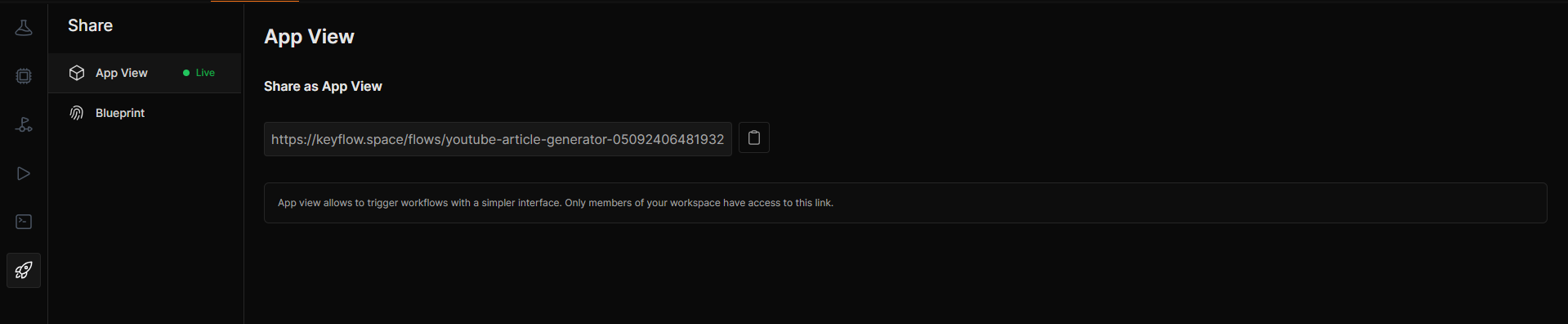
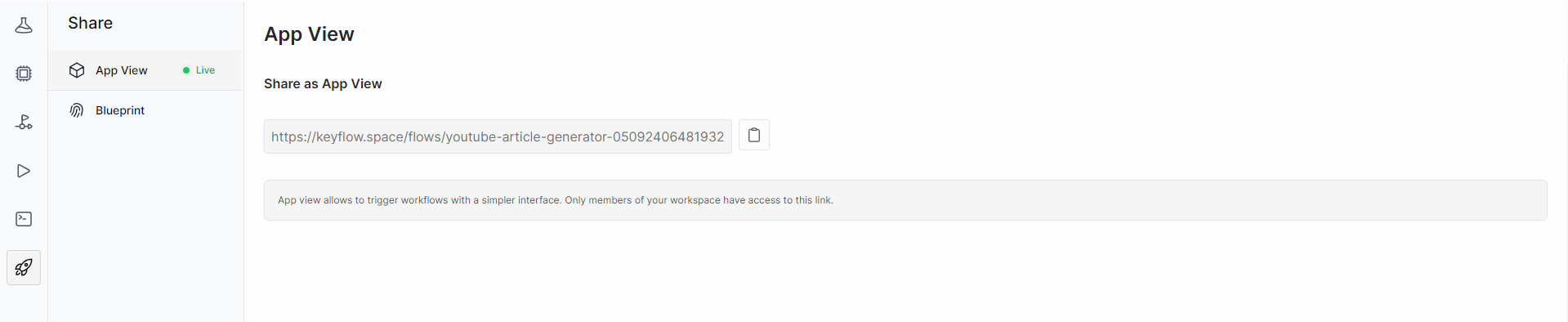
You can find the link to your app view in `Share` (rocket icon) tab > App View
<Frame>
  <img className="block dark:hidden" src="https://mintcdn.com/keyflow-25/fFpWQxpuiZM1VmdD/images/share-app-view-light.png?fit=max&auto=format&n=fFpWQxpuiZM1VmdD&q=85&s=a151788e980d84aa7a438df1b43b62db" alt="Share Flow as App" width="1919" height="394" data-path="images/share-app-view-light.png" />

  <img className="hidden dark:block" src="https://mintcdn.com/keyflow-25/fFpWQxpuiZM1VmdD/images/share-app-view-dark.png?fit=max&auto=format&n=fFpWQxpuiZM1VmdD&q=85&s=c41e70c5141db1034a1688ca1d07c597" alt="Share Flow as App" width="1919" height="396" data-path="images/share-app-view-dark.png" />
</Frame>

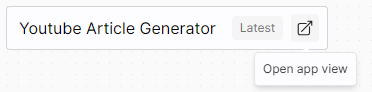
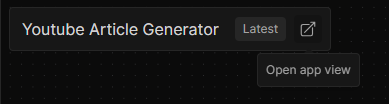
You can also quickly open the app view by clicking on (link icon) beside the flow name in your builder.
<Frame>
  <img className="block dark:hidden" src="https://mintcdn.com/keyflow-25/Potsj4uvC-5iO0mz/images/flow-name-titlebar-light.png?fit=max&auto=format&n=Potsj4uvC-5iO0mz&q=85&s=1dbd7ee8120fa76cb48031acdd32f087" alt="App View of Youtube Article Generator" width="372" height="92" data-path="images/flow-name-titlebar-light.png" />

  <img className="hidden dark:block" src="https://mintcdn.com/keyflow-25/Potsj4uvC-5iO0mz/images/flow-name-titlebar-dark.png?fit=max&auto=format&n=Potsj4uvC-5iO0mz&q=85&s=6883a76114943eabbf41114b733f789b" alt="App View of Youtube Article Generator" width="389" height="104" data-path="images/flow-name-titlebar-dark.png" />
</Frame>